News
The clocks go back this Sunday: use the extra hour to back up your photos
Hard drives fail and phones get lost without warning. Here’s a simple way to make sure your photos and documents survive when they do.
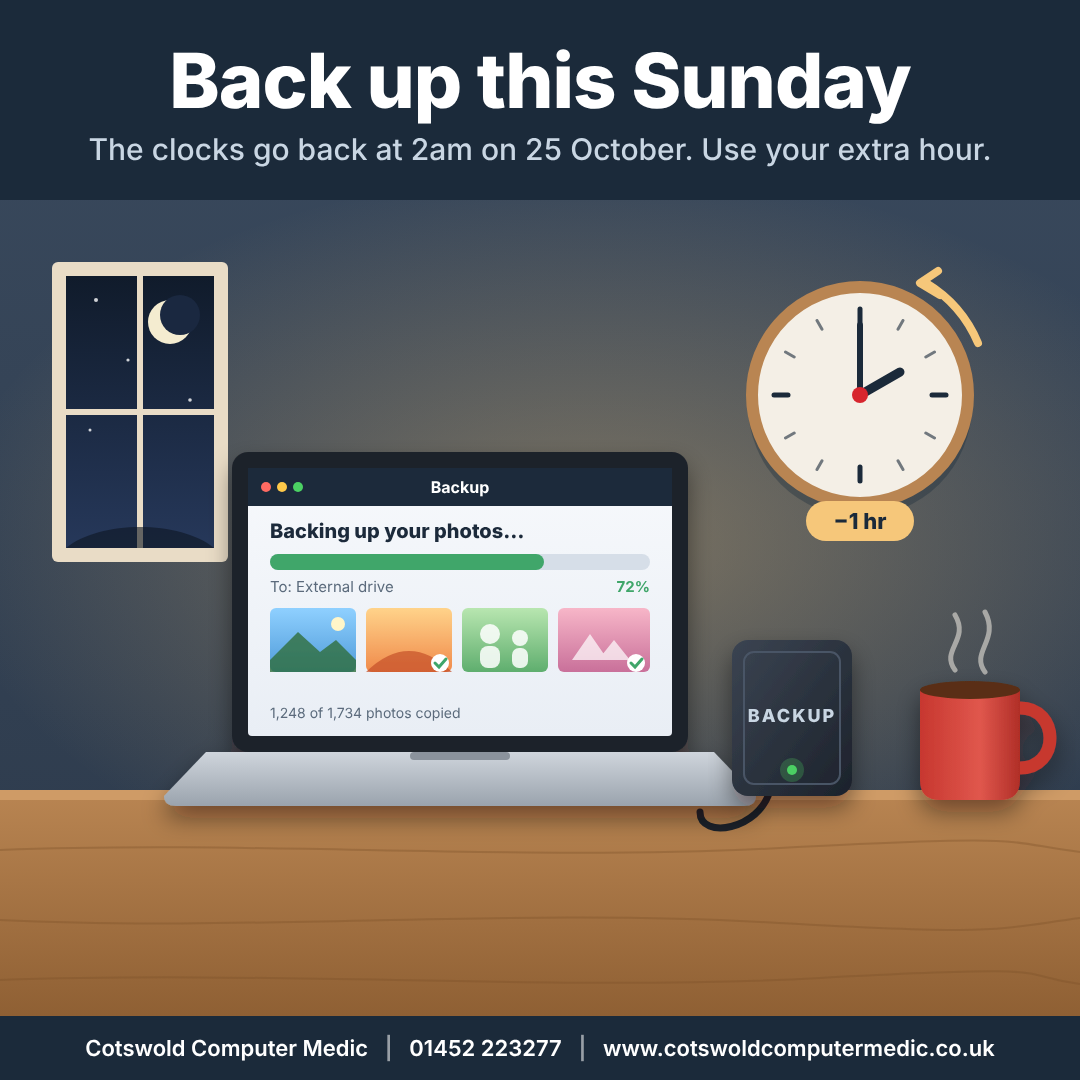
The clocks go back at 2am on Sunday 25 October, which means an extra hour in bed, or an extra hour for jobs you’ve been putting off. Here’s one worth ten minutes of it: backing up your photos and files.
Why it matters
We see it every week. A laptop that won’t switch on, a phone dropped in the bath, a hard drive that has started clicking. The device can usually be repaired or replaced. The wedding photos, the children’s school pictures and the business accounts stored on it are another matter.
Data recovery is sometimes possible, but it’s never guaranteed. A backup is far cheaper and far less stressful.
The simple rule: two copies, one away from home
You don’t need anything complicated. Aim for:
- At least two copies of anything you can’t replace, on top of the original.
- One copy on a separate device, such as an external hard drive or USB stick that you plug in regularly.
- One copy away from your house, which usually means a cloud service such as OneDrive, Google Photos or iCloud. That protects you from fire, flood and burglary as well as hardware failure.
Three things to check this weekend
1. Is your cloud backup actually switched on? Many people have OneDrive or iCloud on their device but never turned on photo backup, or ran out of storage months ago and didn’t notice. Open the app and check when it last backed up.
2. When did you last use that external drive? A drive in a drawer with last year’s photos on it isn’t a backup of this year’s. Plug it in and copy across anything new.
3. Can you get your files back? Open a couple of photos from your backup to make sure they’re really there. A backup you’ve never checked is a backup you can’t rely on.
Running a business?
If your customer records, invoices or accounts live on one PC, the same rule applies, only more so. Think about how long you could trade without them.
We can help
If you’re not sure whether you’re backed up, or you’d like us to set it up so it just happens in the background, bring your computer in or give us a call. We also sell external hard drives, so we can supply the drive and set it up in one visit. We’ll check what you’ve got and give you honest advice on what’s worth doing. We’ve been looking after computers in Gloucester since 2005.
Cotswold Computer Medic · 01452 223277 · www.cotswoldcomputermedic.co.uk · Opposite Gloucester Rugby Club
Hacked accounts are on the rise: how to lock yours down in ten minutes
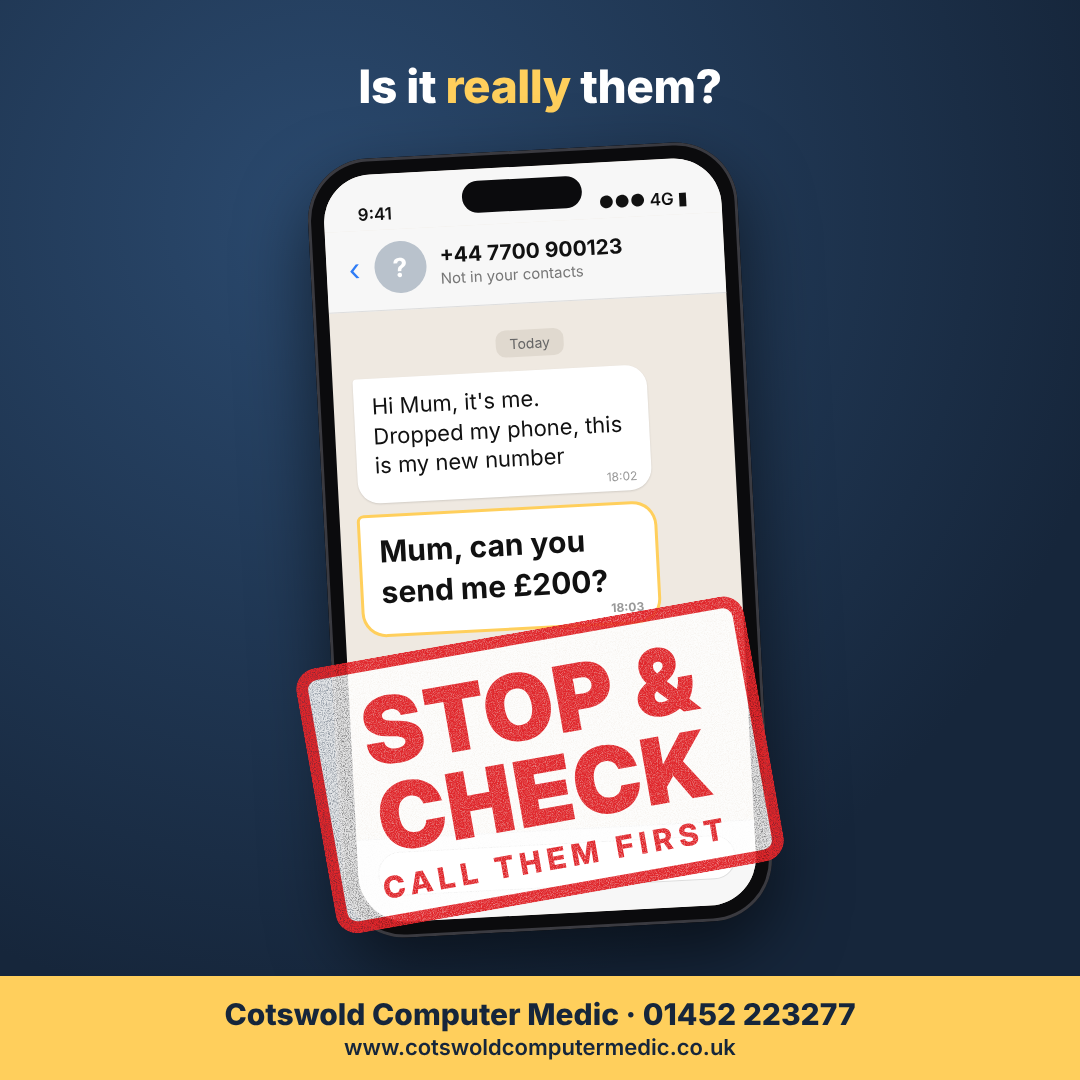 Money stolen through hacked email and social media accounts has jumped fivefold in a year. Here’s how to protect yours, and your friends.
It usually starts with a message from someone you trust. A friend on WhatsApp says they’re stuck and need a quick loan. A relative on Facebook is selling concert tickets. The message looks real because it comes from their real account. But it isn’t them.
The police’s Report Fraud service says money lost through hacked email and social media accounts rose from £1.2 million to £6.3 million in a single year. In October it launched a campaign urging everyone to switch to passkeys.
How accounts get taken over
Most hacks don’t involve clever code. Usually the criminal gets hold of a password that was reused on another website, or tricks someone into reading out a code that was texted to them. Once inside, they message everyone in the contacts list.
Three things to do this week
1. Switch on two-step verification. This means a password alone isn’t enough to get in. WhatsApp, Facebook, Instagram, Gmail and Microsoft accounts all offer it in their security settings.
2. Use a passkey where you can. A passkey lets you sign in with your phone or computer’s PIN, fingerprint or face instead of a password. It only works on the genuine website, so it can’t be phished. Google, Microsoft, Apple and many banks now support them.
3. Stop reusing passwords. If one website is breached, every account using that password is at risk. A password manager remembers a different strong password for each site, so you don’t have to.
If a friend asks for money
Phone them on the number you already have before you send anything. Never share a code that’s been sent to your phone, even if the request appears to come from someone you know.
If your account has been hacked
Use the “forgot password” or account recovery option straight away, then warn your contacts by another route. Report it to Report Fraud at reportfraud.police.uk or on 0300 123 2040. If you think your computer itself may be compromised, stop using it for banking and get it checked.
We can help
Security settings can be fiddly, especially across several accounts and devices. If you’d like a hand, bring your laptop or phone in and we’ll go through it with you in plain English. We’ve been helping people in Gloucester stay safe online since 2005.
Cotswold Computer Medic · 01452 223277 · www.cotswoldcomputermedic.co.uk · Opposite Gloucester Rugby Club
Fake virus pop-ups: why your PC probably isn’t infected, and how to stop them
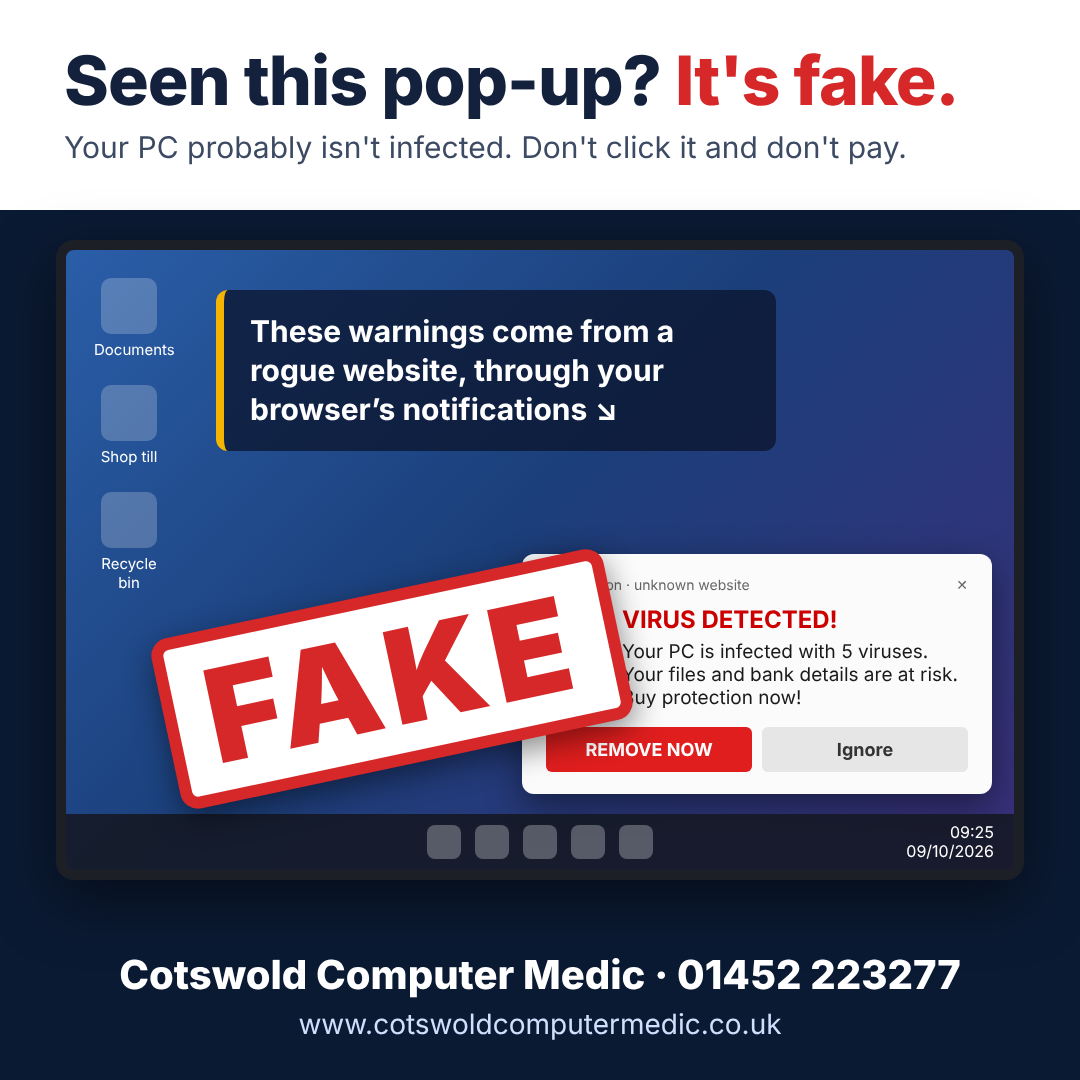
A local business came to us with alarming virus warnings popping up on screen. The cause was a browser setting, not a virus. Here’s how to spot and stop it.
This week a local retail business brought us their shop computer. Pop-ups kept appearing in the bottom-right corner of the screen, warning that the PC was infected and urging staff to buy antivirus software to fix it.
It looked frightening. But the computer wasn’t infected.
What was really going on
At some point, a website had asked the browser for permission to “show notifications”, and someone had clicked Allow. That one click let the website keep sending messages to the desktop, even when it wasn’t open.
The site was using that permission to push fake security alerts. They’re designed to look like they come from Windows or a well-known antivirus company. The aim is to get you to click through and pay for software you don’t need, or worse, hand over card details.
How we fixed it
Because the shop relied on this computer to trade, we turned the job round in under 24 hours. We:
- switched off the rogue website’s notifications in the Microsoft Edge browser
- ran a full health check and clean-up to make sure nothing else had got in
- installed all outstanding Windows updates
How to stop it yourself
If you see similar pop-ups, don’t click on them. In Microsoft Edge, go to Settings → Cookies and site permissions → Notifications and remove any website you don’t recognise from the Allow list. Chrome and other browsers have a similar setting.
In future, when a website you don’t know asks to show notifications, click Block.
Not sure? Ask us
If you’re unsure whether a warning is genuine, or you’ve already clicked on one, get in touch and we’ll check your computer over. For businesses that depend on their PCs, we’ll always do our best to get you back up and running quickly.
Cotswold Computer Medic · 01452 223277 · www.cotswoldcomputermedic.co.uk · Opposite Gloucester Rugby Club
From the workbench: why we chose AMD for this gaming build
A customer’s ageing gaming PC got a full rebuild. Here’s why the most expensive graphics card isn’t always the right one.
This week a customer brought in their old gaming PC. It had served them well, but newer games were pushing it well past its limits. Rather than patch it up, we built them a brand-new high-end gaming PC.
The big decision: the graphics card
In a gaming PC, the graphics card does most of the heavy lifting, and it’s usually the most expensive single part. It’s also where many people overspend, because they assume the best-known brand or the priciest model must be the best choice.
For this build, we compared the options against the games our customer actually plays. An AMD graphics card delivered the same level of performance as the more expensive Nvidia alternative, for less money. So that’s what went in.
What we look at when choosing parts
Every build is different, but we ask the same questions each time:
- What do you play, and at what resolution? A machine for competitive games at high frame rates needs different parts from one for big single-player games on a 4K screen.
- Performance per pound. We compare cards on what they deliver in real games, not on brand or price.
- A balanced build. A great graphics card is wasted if the processor, memory or power supply holds it back.
- Room to grow. A good case, power supply and motherboard make future upgrades cheaper and easier.
Thinking about a new gaming PC?
Whether you want a full custom build or an upgrade to the machine you already have, we’ll give you honest advice on what’s worth spending money on. We’ve been building and repairing computers in Gloucester since 2005.
Call us on 01452 223277 or pop in. We’re opposite Gloucester Rugby Club.
Cotswold Computer Medic Ltd – Computer Shop & Repair Centre in Gloucester Celebrates 20 Years in Business
 Computer Repairs in Gloucester have been supported by Cotswold Computer Medic Ltd for over 20 years and now that that they’ve opened their new Computer Shop & Repair Centre Opposite Gloucester Rugby Club it’s even easier to purchase your next device or get your faulty device repaired speedily and at a good price. Always offers and deals to be had. Come and have a chat about all things IT related.
Gaming Builds
Business Support
Home Setup
New PC or Laptop
Call us on 01452 223277
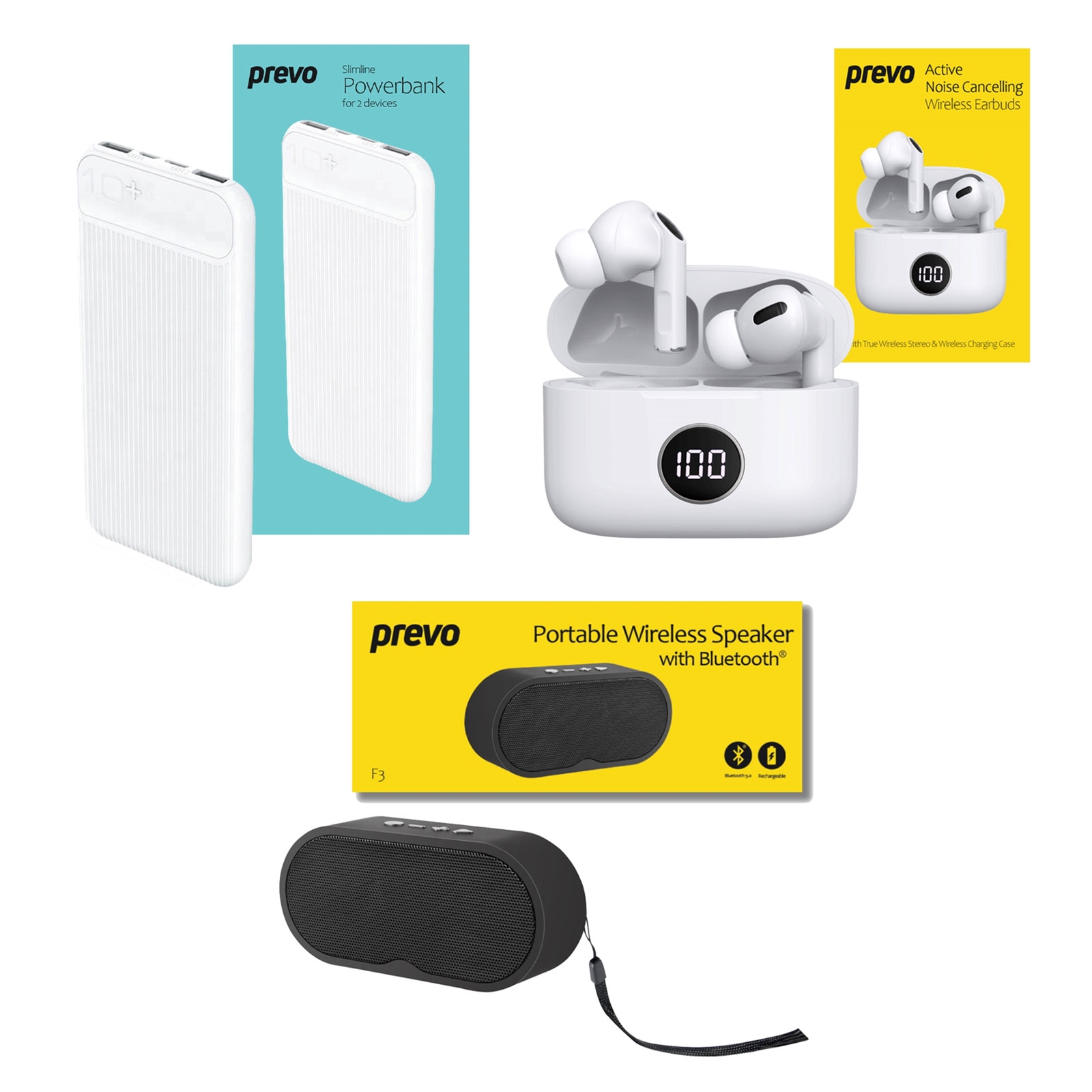
Summer 2024 Travel & Entertainment Bundle – £29.99 Whilst Stocks Last
Active Noise Cancelling Earbuds, 10000mAh Powerbank & Portable Wireless Speaker – £29.99
Livoliv – New Venture
I know we’re an IT company but we do care about the world we live in. Our family have been involved with these products since their inception. For Cruelty-Free, Non-Toxic and Vegan Nail Polish as well as other wonderful products please check out our friends website – www.livoliv.com
Latest Testimonial – from another delighted customer!
“Thank you for all your help. My computer is now my friend again and I will have no hesitation in recommending you and your excellent service to all my friends and acquaintances” – Mrs Allen
New Product – Quickplay LP to MP3 – Great Price
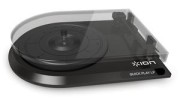
CCM obtains stock of the new LP to MP3 turntable by ION at low price of just £59.99. Software is included and results are better than ever before. Voted Computer Shopper BEST BUY in June 2011.
Website Testimonial
Thank you for designing and “sorting out” the website for us – I am really pleased with the result. Your customer service and responsiveness (and creativity ) has been excellent and much appreciated.
Gill Paige – Clement Rose Consulting Limited